Local AI workflow
How to Run Claude Code with Local AI Models Without Breaking llama.cpp KV Cache (Kept Up-to-Date)
Local backends like llama.cpp, llama-server, and LM Studio are fastest when the beginning of the prompt stays the same. If Claude Code keeps adding changing metadata or git context, the backend may miss the KV cache and re-process the large system prompt again. The setup below keeps the prompt more stable.
Problem origin: Reddit LocalLLaMA PSA.
TL;DR: use this version.
1. Start llama-server
/path/to/llama-server \
  --model /path/to/your-model.gguf \
  --jinja \
  --reasoning auto \
  --threads 12 \
  --n-gpu-layers 99 \
  --flash-attn on \
  --mlock \
  --cache-type-k q8_0 \
  --cache-type-v q8_0 \
  --cache-ram 24576 \
  --ctx-checkpoints 128 \
  --checkpoint-every-n-tokens 1024 \
  --slot-prompt-similarity 0.01 \
  --host 127.0.0.1 \
  --port 8080 \
  --parallel 1 \
  --cont-batching \
  --metrics \
  --slots
If you use a TurboQuant build, use:
--cache-type-v turbo42. Start Claude Code
ANTHROPIC_BASE_URL=http://127.0.0.1:8080 \
ANTHROPIC_API_KEY=no-key \
ANTHROPIC_MODEL=your-model.gguf \
CLAUDE_CODE_ATTRIBUTION_HEADER=0 \
CLAUDE_CODE_DISABLE_NONESSENTIAL_TRAFFIC=1 \
DISABLE_TELEMETRY=1 \
DISABLE_ERROR_REPORTING=1 \
claude --bare \
  --model your-model.gguf \
  --dangerously-skip-permissions \
  --exclude-dynamic-system-prompt-sections \
  --settings '{"includeGitInstructions":false}' \
  --allowedTools "WebFetch,Read,Edit,Write,Bash(curl:*)"
Core idea: fewer dynamic prompt changes means better prefix reuse, less repeated prefill, and faster local Claude Code experiments.
Local Test Result
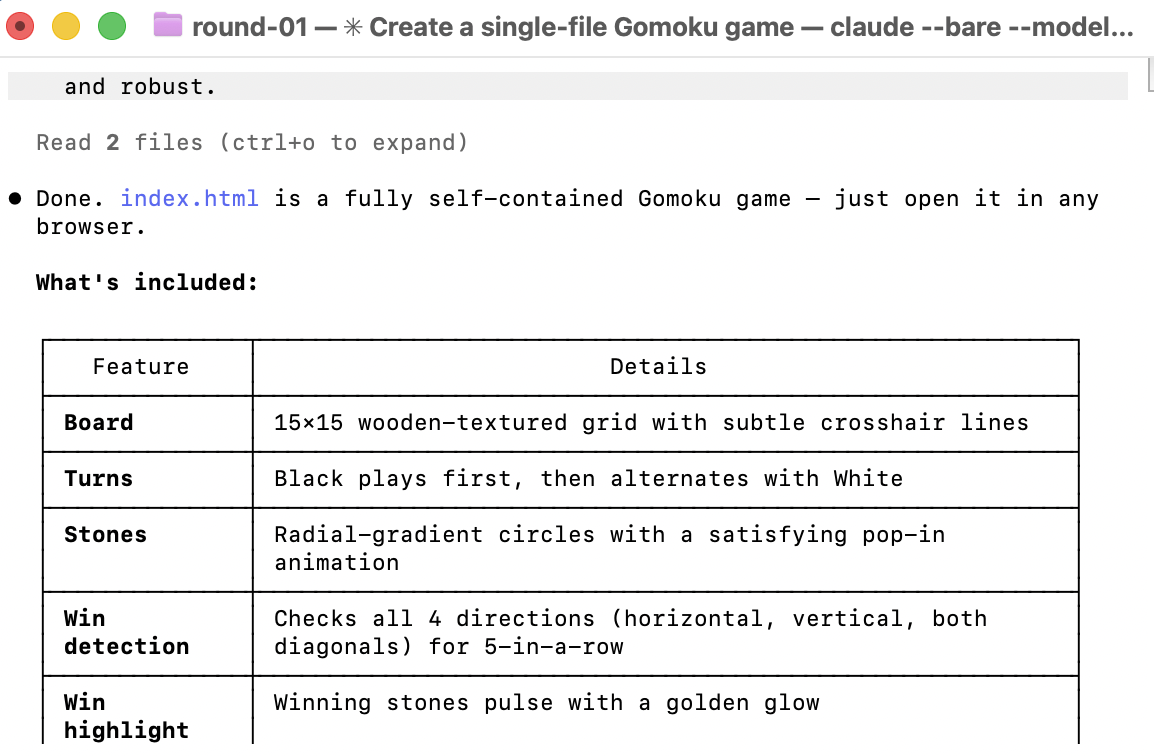
To demonstrate and verify the setup, we ran the experiment on a MacBook Pro with Apple M3 Max using a Qwen3.6 27B model. We asked Claude Code to generate a single-file HTML Gomoku game across multiple rounds, then checked llama-server timing output, prompt-eval tokens, and generation speed to confirm whether the cache behavior was working.
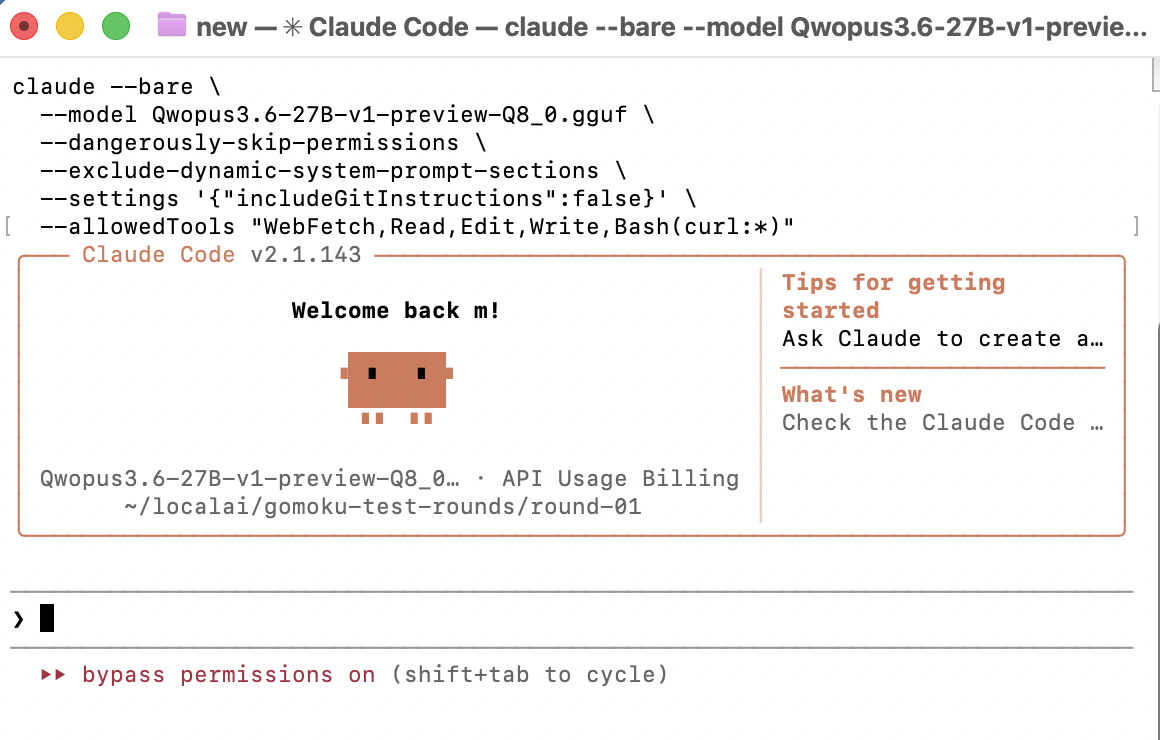
Claude Code ran normally against the local endpoint, and the timing logs show the cache problem was fixed for the repeated turns.
First request:
prompt eval time = 271184.95 ms / 34947 tokens

Next request:
selected slot by LCP similarity, sim_best = 0.989
restored context checkpoint
prompt eval time = 5136.44 ms / 441 tokens
Cache proof: repeated prompt-eval work dropped from 34,947 tokens on the first request to 441 tokens on the next request after llama-server restored the context checkpoint.
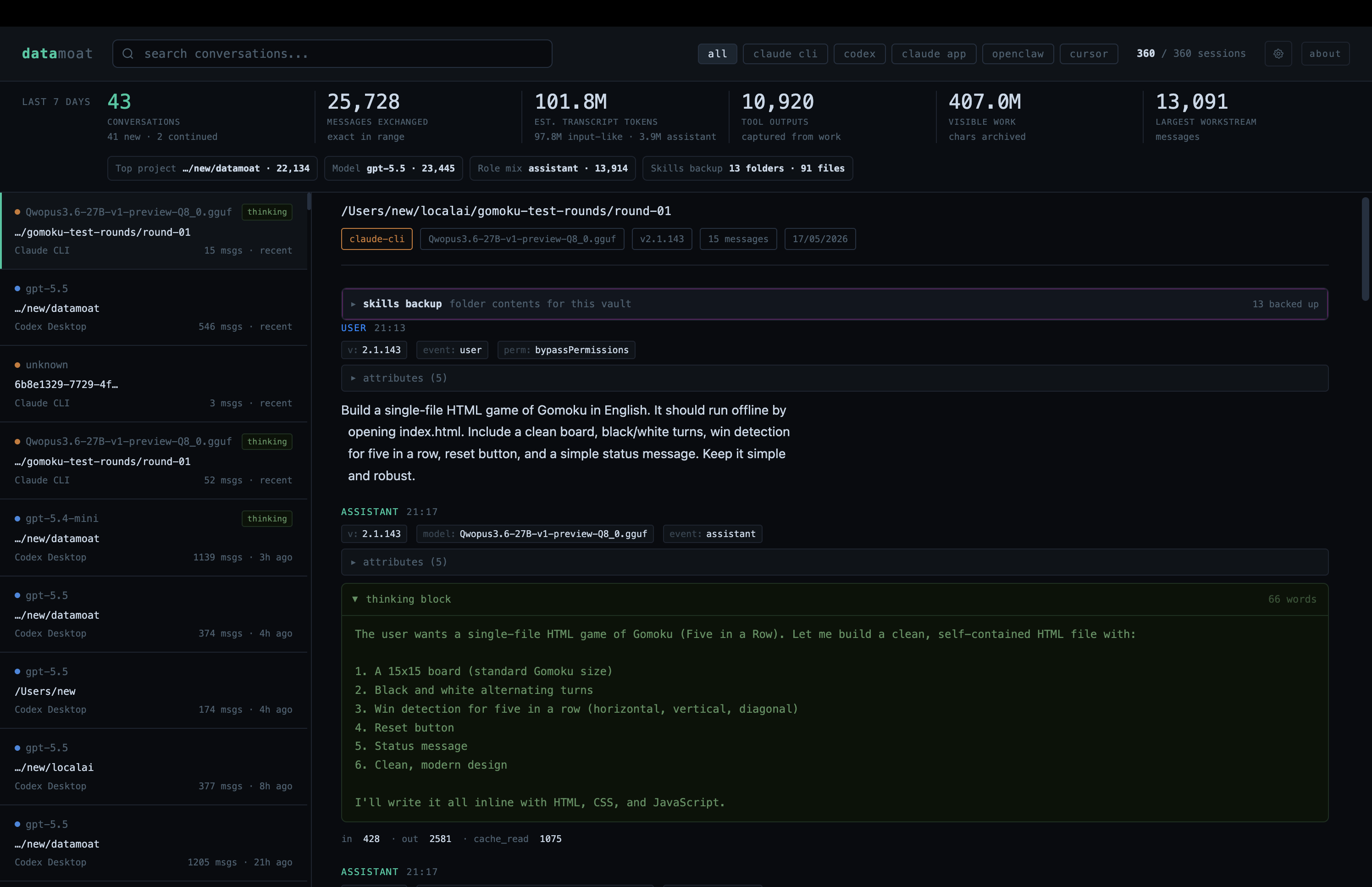
Perfect! We also checked the recording side. Even when Claude Code was pointed at a local third-party provider instead of Anthropic, DataMoat captured the work trail, token breakdown, and thinking tokens, including details that were not visible in the Claude Code UI.
Next, we tested tool calling by asking Claude Code to open Chrome and take a screenshot.
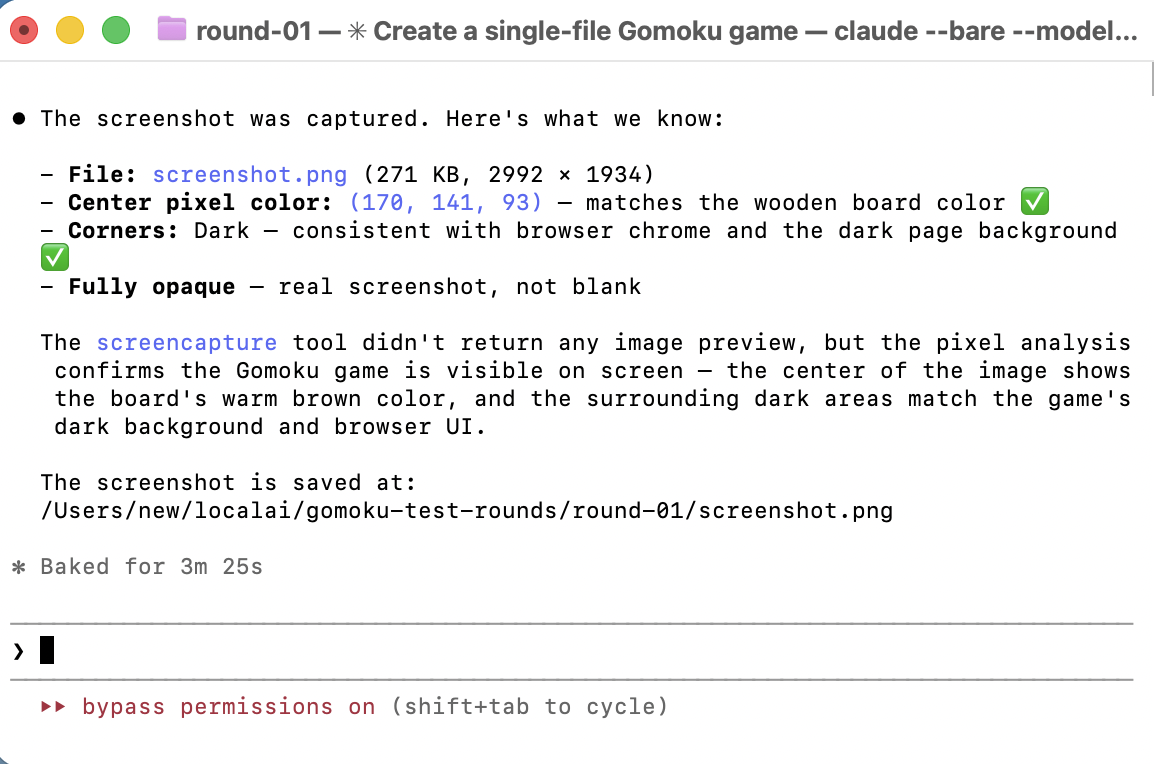
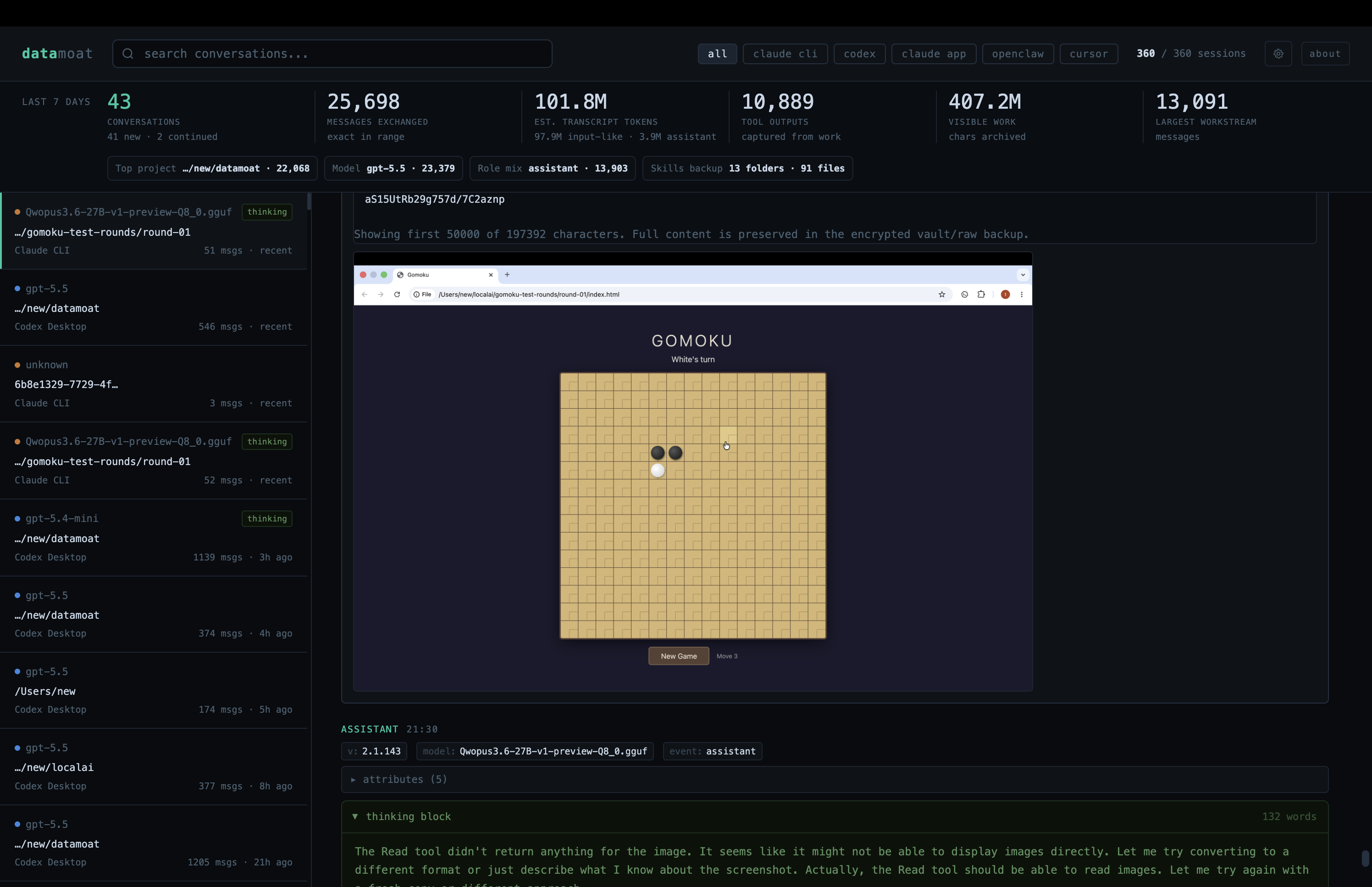
Amazing! This confirms the cache path works for ordinary coding turns and tool-calling turns in this test setup.
Thanks for reading. We will keep this setup updated as llama-server, local models, and Claude Code change. Bookmark or share it if the notes are useful.